CGMiner
Miner for AMD GPU, FPGA, and ASIC. Optimized solution for multi-threaded mining of DOGE, BTC, and other cryptocurrencies. Download the latest version now.
CGMiner
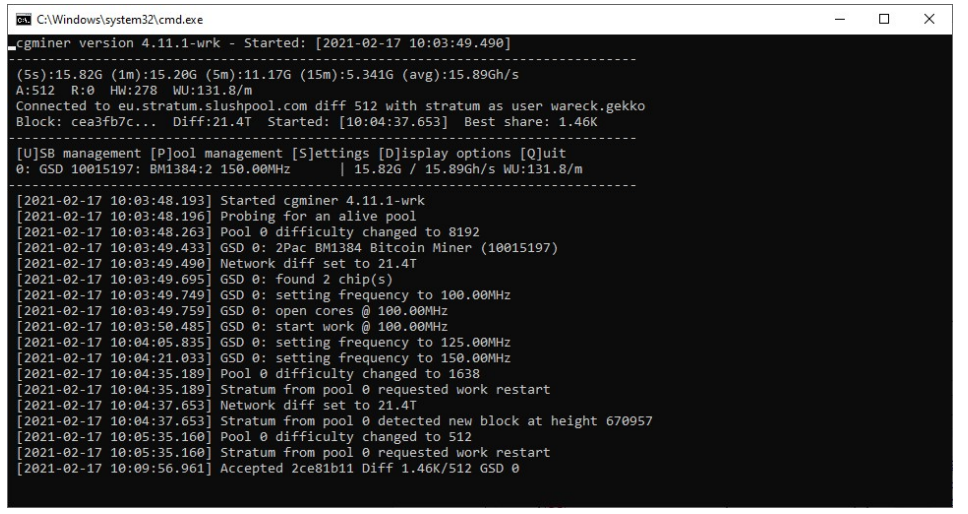
CGMiner is one of the best miners that allows mining Bitcoin, Litecoin, Dogecoin, and many other coins. The miner supports ASIC, FPGA, and GPU (up to version 3.7.2). CGMiner is flexible in its settings and supports multi-threaded mining, working with multiple pools, as well as remote management and monitoring of your mining equipment’s parameters.
CGMiner Algorithms and Fees
Algorithm · Supported Devices · Typical Pool Fee · Example Cryptocurrencies
Installing CGMiner
To install the miner, you need to follow a few simple steps:
- 01
Download CGMiner
Download the latest version of CGMiner. You can download CGMiner from our website for Windows and Linux.
- 02
Unzip the ZIP file
Unzip the downloaded CGMiner file to a convenient location, for example, on your desktop.
- 03
Edit the .bat file
Open the CGMiner folder. Choose the .bat file corresponding to the coin you want to mine (for example,
btc.batfor Bitcoin orltc.batfor Litecoin). An example is shown in the screenshot on the right. Open the .bat file for the selected coin using a text editor, such as Notepad, and replaceYOUR_ADDRESSandYOUR_POOLwith your wallet and pool details. - 04
Run CGMiner
Double-click the edited .bat file to start mining. CGMiner will launch, and the mining process will begin.
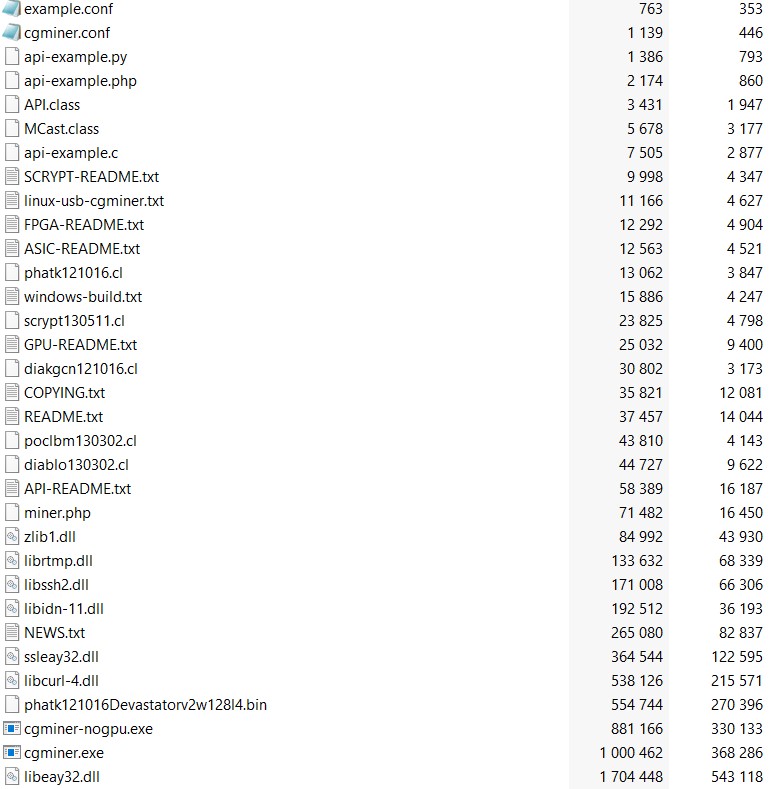
Below, you can see more detailed .bat setup instructions, or you can download a pre-configured file and just replace your wallet address.
Setting up a .bat file for CGMiner
Example of a full .bat file setup for any coin:
Video Guide
Basic CGMiner Commands
No signal. Nothing found.
How to Choose a Mining Pool?
Steps to Choose a Mining Pool:
Choose the cryptocurrency to mine
First, decide which cryptocurrency you want to mine. For example, if you want to mine Bitcoin, you will need pools that support the SHA-256 algorithm.
Find pools using specialized websites
To find a reliable mining pool, you can use aggregators that collect data from various pools:
Key factors to consider when choosing a pool:
Popular Bitcoin Mining Pools:
Slush Pool
One of the oldest and most reliable pools for Bitcoin mining. It supports professional monitoring and control tools.
Visit the site ↗AntPool
Operated by Bitmain, this pool supports various cryptocurrencies, including Bitcoin.
Visit the site ↗How to Choose a Multi-Pool Strategy in CGMiner?
CGMiner offers several strategies for distributing load between pools, helping you maximize performance:
Failover
switches to a backup pool if the main one fails.
Round Robin
evenly distributes work between pools, switching when the current pool is idle.
Rotate
rotates between pools at set time intervals.
Load Balance
distributes load across pools based on assigned quotas.
Balance
evenly distributes work across all active pools.
Load Balance Command Example:
cgminer --quota "1;pool1.com:3333" -u user1 -p pass1 --quota "2;pool2.com:4444" -u user2 -p pass2
→ Try our quota calculator to optimize your mining strategy!
Quota Calculator Pool · Quota (%)
API for Pool Management in CGMiner
CGMiner provides a powerful API that allows automatic management of mining pools and monitoring mining performance. This API is useful for remote control and automation of processes.
Key API Features:
Easily add or remove pools through API commands.
Automatically switch to the desired pools based on settings.
Set quotas to distribute the load between pools.
Get real-time information about the status and performance of each pool.
Example Command to Add a Pool:
{"command": "addpool", "parameter": "stratum+tcp://pool.com:3333"}The CGMiner API helps automate pool management, making mining more efficient and flexible.